Purchase Katalon True Licenses
Last updated: October 2026
Purchase Katalon True Licenses from License Management
Purchase additional licenses from Admin > Account > License Management to scale operations, reducing feedback time and improving efficiency.
- Go to Admin > Account > License Management.
- Click on Purchase License at the upper right corner of the page.
A new tab opens, taking you to the Subscription Management page.
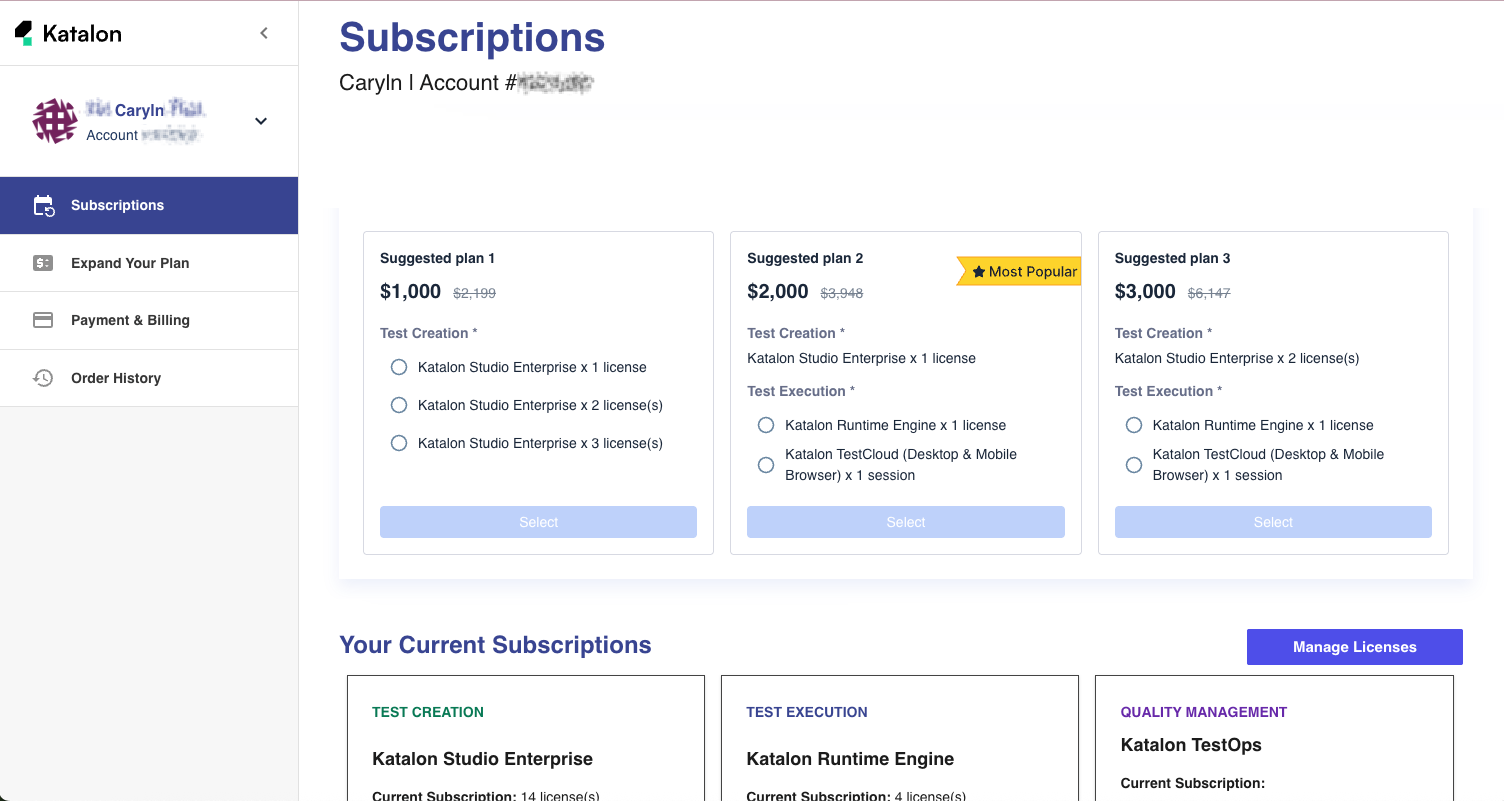
- Select the licenses you would lie to avail of, then click Checkout.
- Confirm your order and your payment details, then click Checkout again.
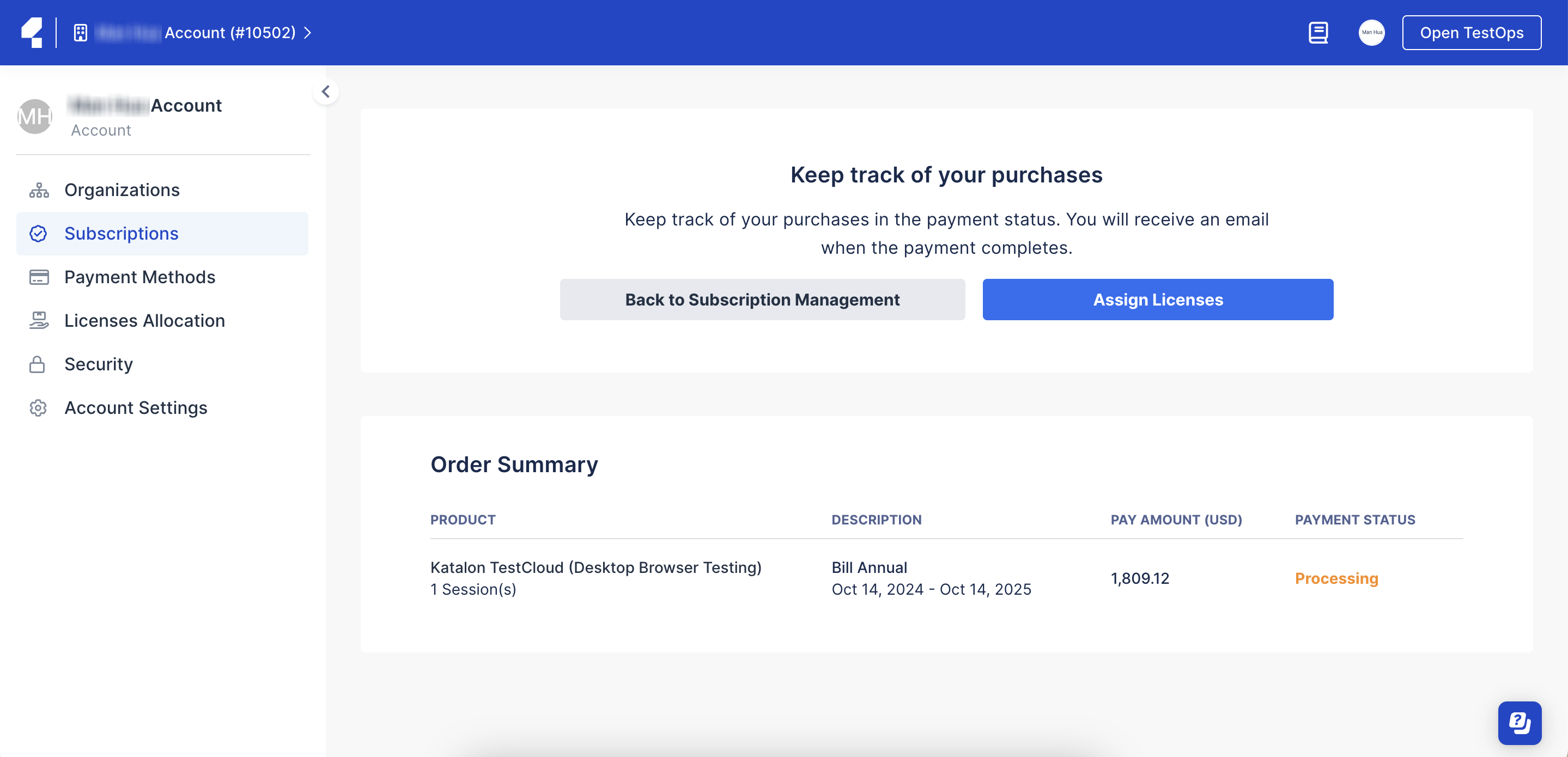
- A page confirms your purchase and displays your payment status.
Results
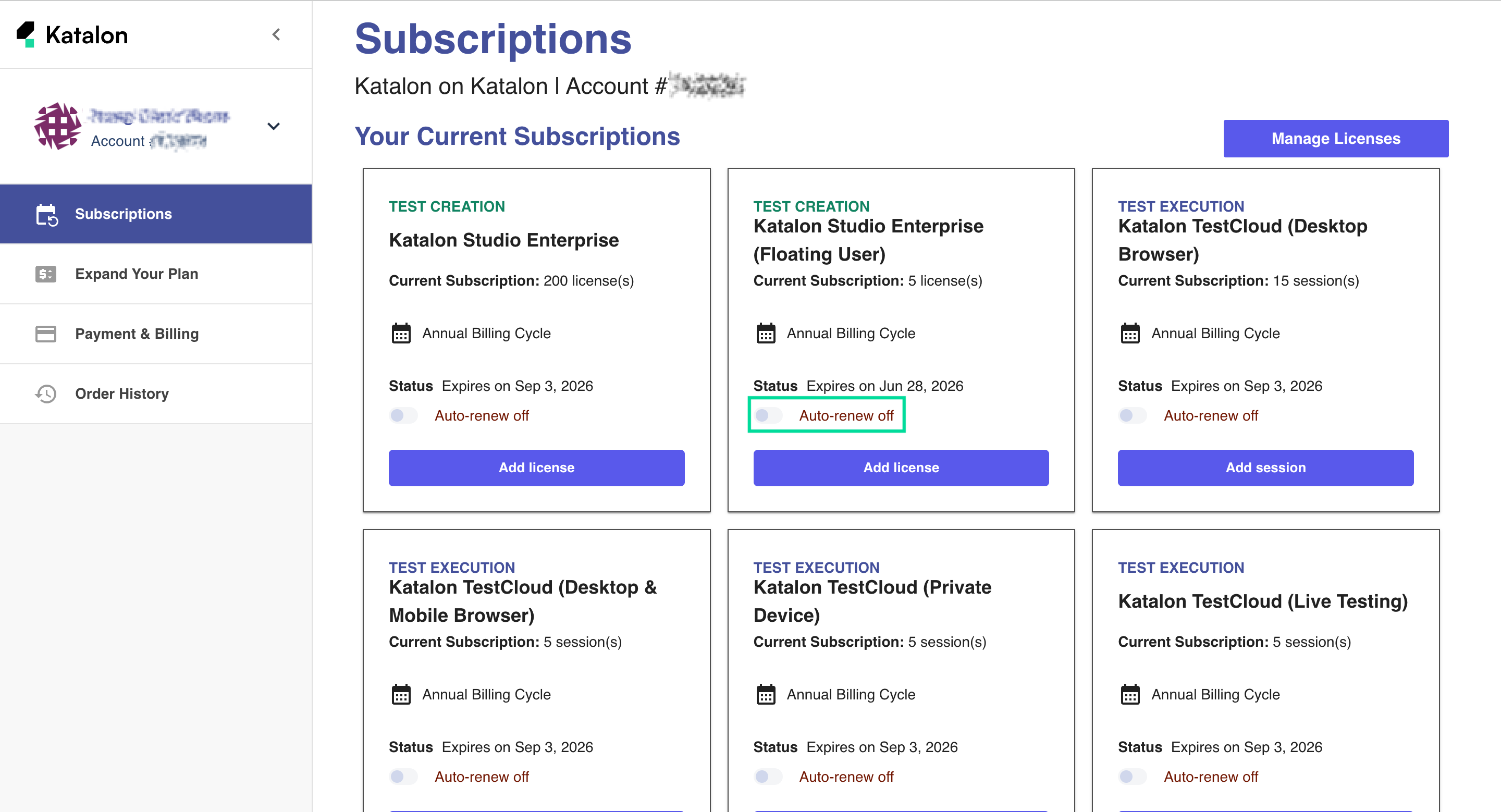
You will receive an email when the payment completes and receive your licenses immediately. You can then manage license and choose to turn on/off auto-renewal: