Use Test Execution - Cloud in CI/CD pipelines
To execute tests in Test Execution - Cloud environments with Katalon Runtime Engine, you only need a Test Execution - Cloud subscription or trial; Katalon Runtime Engine license is not required. This also enables you to use Test Execution - Cloud in any CI/CD pipelines configured with Katalon Runtime Engine.
Test suite execution
To trigger test suite execution with Test Execution - Cloud environments from Katalon Runtime Engine, you need to specify the following arguments:
| Command-line argument | Description | Data type | Mandatory |
|---|---|---|---|
-browserType="Test Execution - Cloud" | The browser type used for test suite execution. The "Test Execution - Cloud" value means you are using Test Execution - Cloud environments. | String | Required (for single test suite execution) |
-testcloudEnvironmentId | The ID of the environment which corresponds to a combination of OS, browser type and browser version to execute. This ID can be generated with Command Builder. | String | Required (for single test suite execution) |
-testcloudTunnel | Allow the execution to be performed via Test Execution - Cloud Tunnel. | Boolean | Optional |
-testcloudMobileDeviceId | The unique ID of the Test Execution - Cloud mobile device. | String | Required (for single test suite execution) |
-testcloudMobileId | The ID of the Test Execution - Cloud mobile OS version. | String | Required (for single test suite execution) |
-testcloudAppId | The ID of the Test Execution - Cloud application. Katalon Runtime Engine generates this command when the Override with application from Test Execution - Cloud Application Repository option is selected. | String | Optional |
To execute API testing with Test Execution - Cloud, make sure to specify -browserType="Test Execution - Cloud" in your command. Additionally, set the -testcloudEnvironmentId to match a supported environment—for example, Desktop > Linux > Chrome (any version).
Example
With GitHub Actions, to execute a test suite from Katalon Runtime Engine command to Test Execution - Cloud environment, you can use the following workflow template:
name: CI
on:
  push:
    branches: [ master ]
  pull_request:
    branches: [ master ]

jobs:
  build:
    runs-on: windows-latest
    steps:
    - name: Checkout
      uses: actions/checkout@v3.0
    - name: Katalon Studio Github Action
      uses: katalon-studio/katalon-studio-github-action@v3.0
      with:
          version: '8.6.5'
          projectPath: '${{ github.workspace }}'
          args: '-noSplash -retry=0 -testSuiteCollectionPath="Test Suites/Sample Test Suite" -browserType="Test Execution - Cloud" -testcloudEnvironmentId="256" -apiKey= ${{ secrets.API_KEY }} --config -webui.autoUpdateDrivers=true'
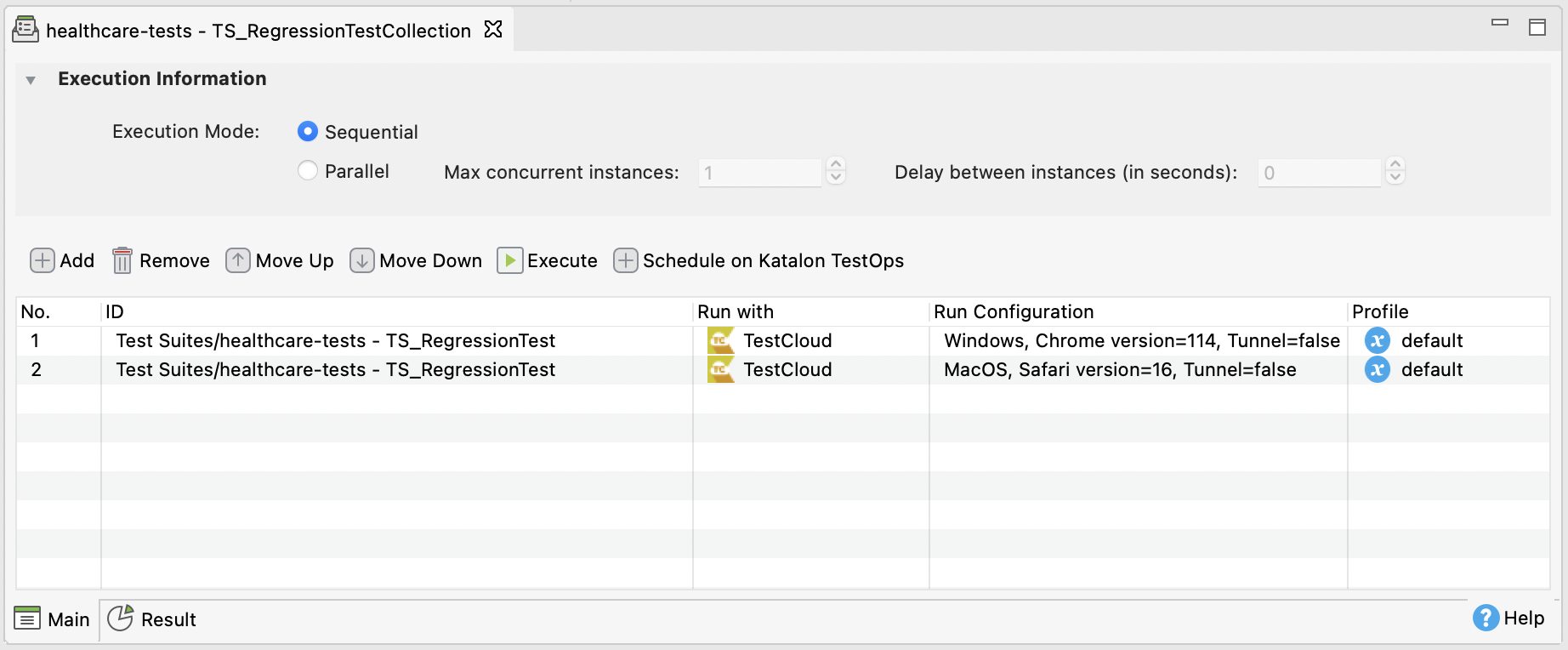
Test suite collection execution
The Test Execution - Cloud environments for individual test suites are already included in the test suite collection file. Therefore, the browserType and testcloudEnvironmentId arguments are not required. The test suites configured with Test Execution - Cloud are automatically uploaded to Test Execution - Cloud environments. See: Manage test suite collections in Katalon Studio.