Create and Activate an Offline License for Katalon Studio
- Offline license activation is not supported in Katalon Studio version 11.1.0. If you are on this version, download the latest version to resolve this issue.
You must have an Account Admin role and a KS Hybrid License to perform this action.
What is a KS Offline License?
A KS Offline License grants its owner access to Katalon Studio without an internet connection.
By default, a KS License is per-user and requires an internet connection. If you need to use KS offline, create an offline license from it.
Doing so converts the state of your KS License from online to offline - you can't use the license online until its offline duration expires. Create a KS Offline License only when you intend to use the license on a single machine.
Steps to create a KS Offline License
- You can't change your KS Offline License's expiry date once created.
- You can't revoke or reassign the KS Offline License to a different machine once created.
- After creating a KS Offline License, you cannot use the license online on another machine.
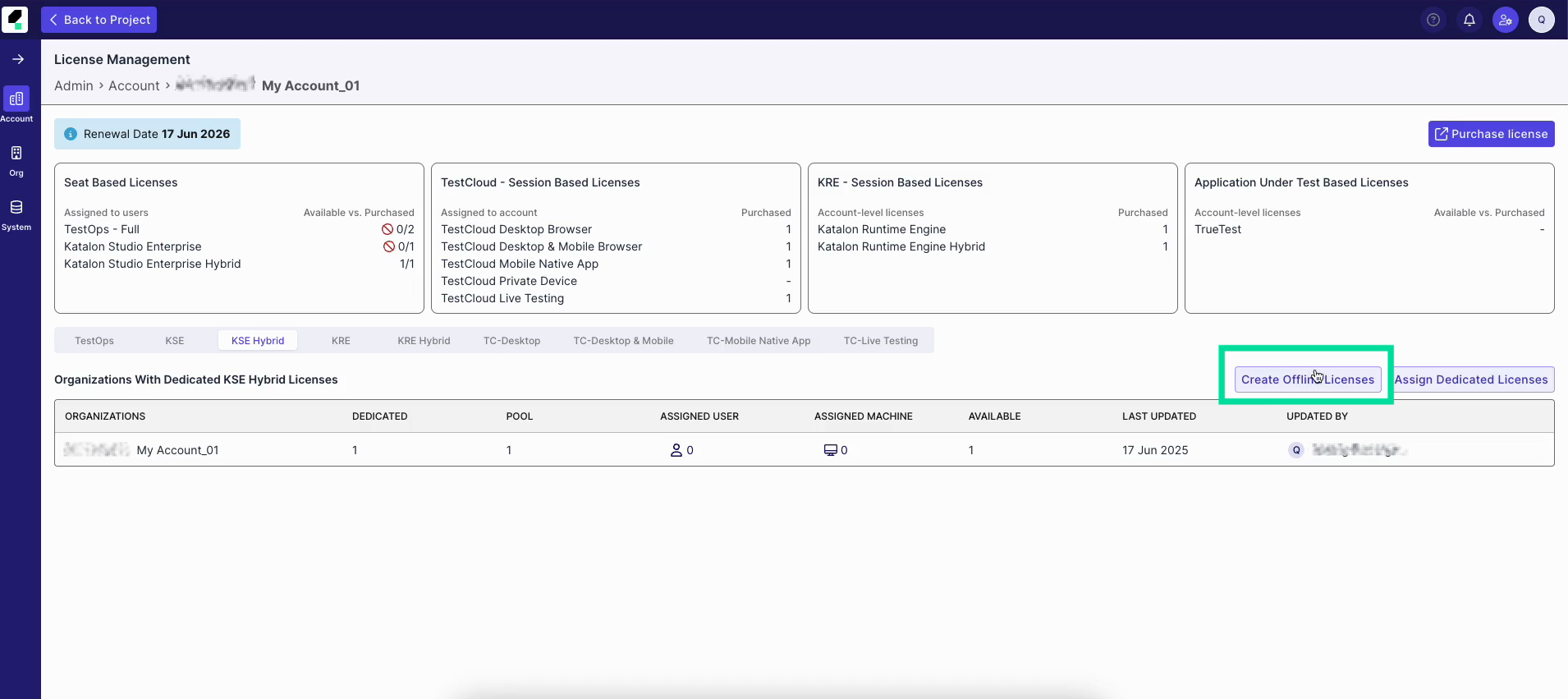
- Navigate to Admin Settings > Account > License Management.
- Select the KS Hybrid tab and click the Create Offline Licenses button.
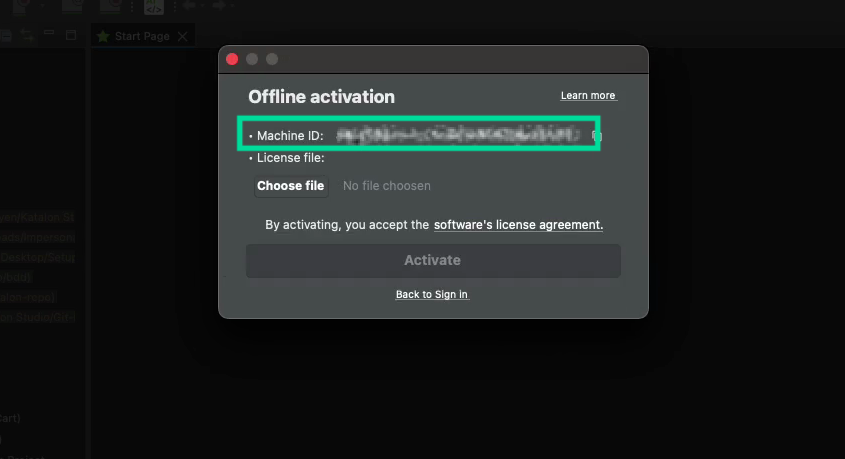
- Open Katalon Studio, make sure it's logged out.
- Log in by clicking Offline license.
- Copy the Machine ID.
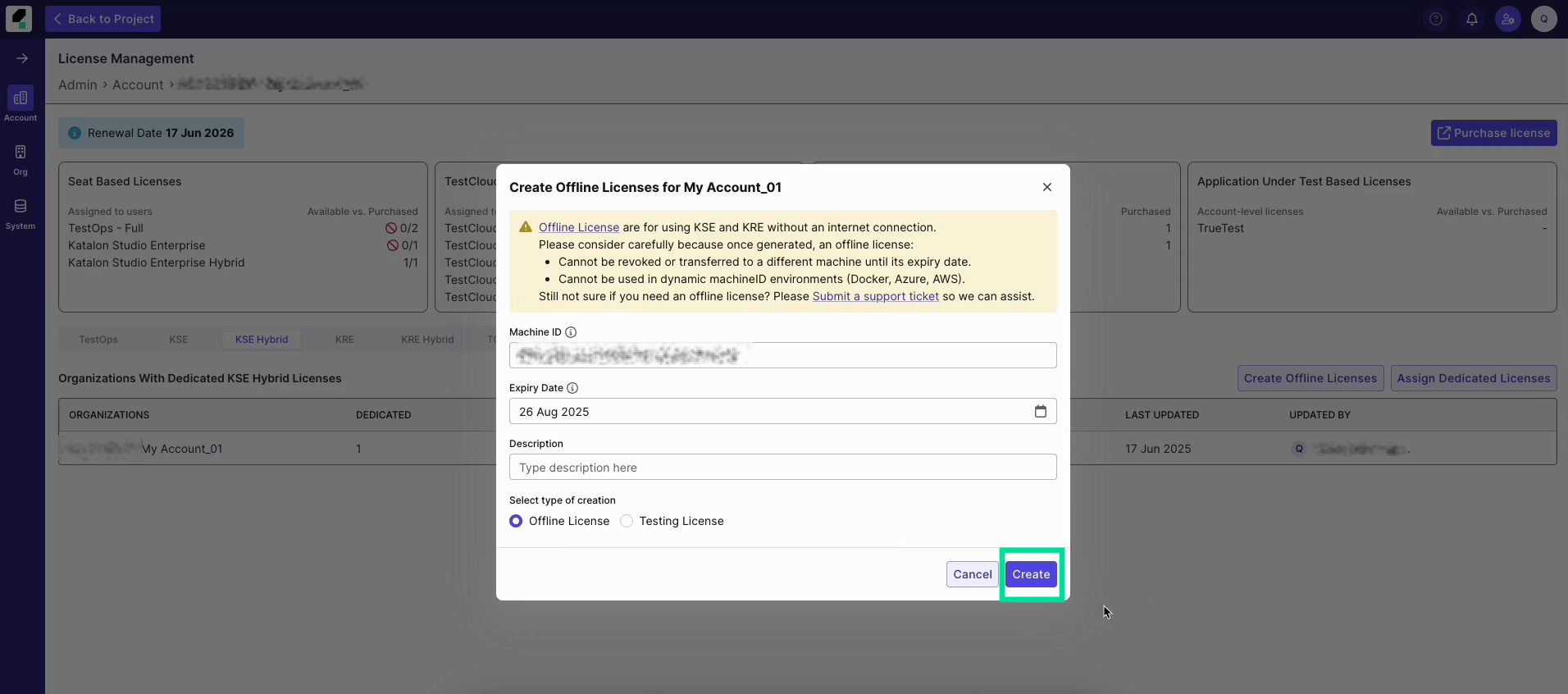
- Return to the browser, paste the Machine ID into the corresponding field along with other fields:
- Expiry Date: you choose. After expiry, the offline license expires and you can either use the online license, or create another offline license.
- Description: leave notes to the person using the license.
- Select type of creation: Offline License
- Click Create.
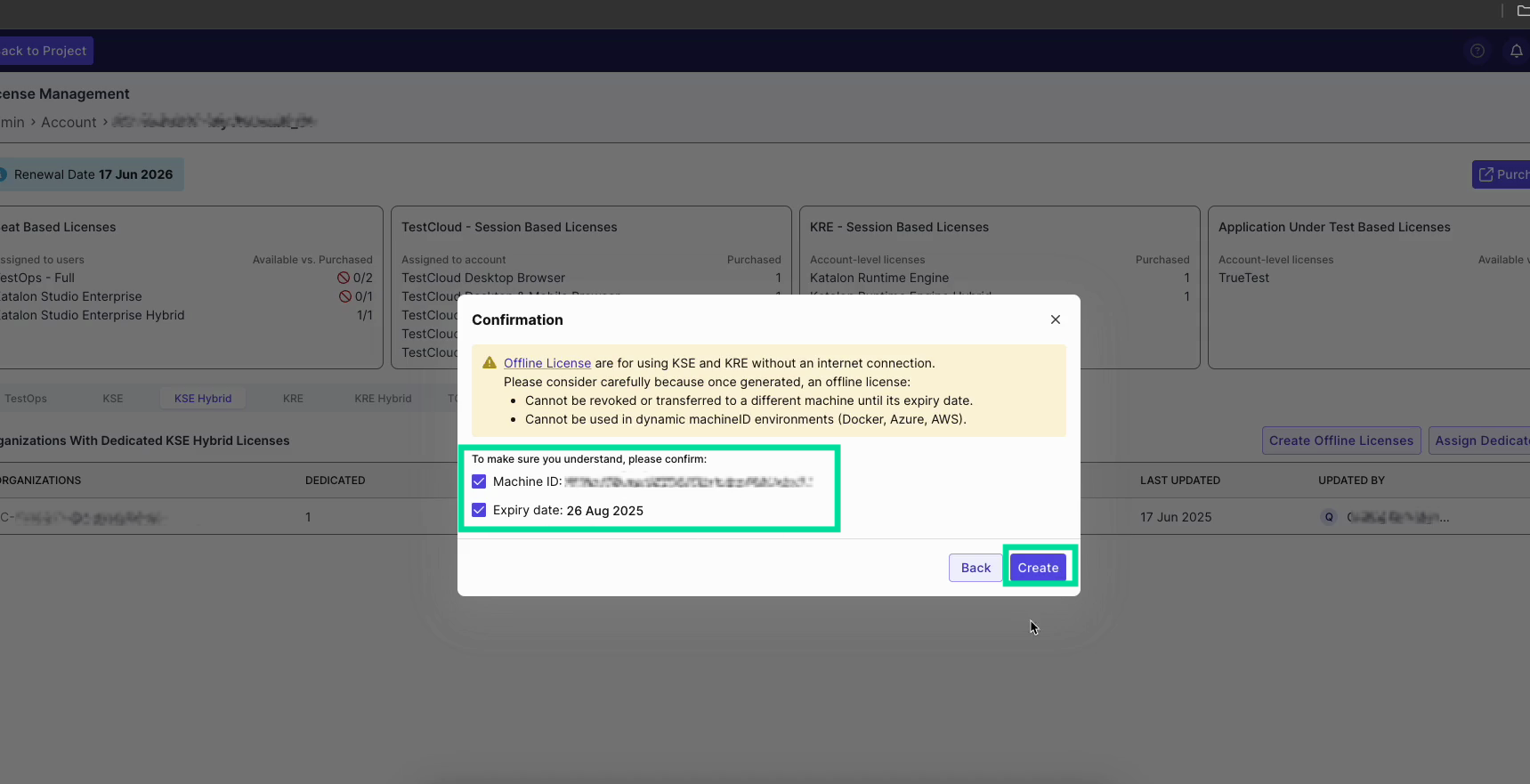
- Double-check the details in the confirmation box, and click Create again.
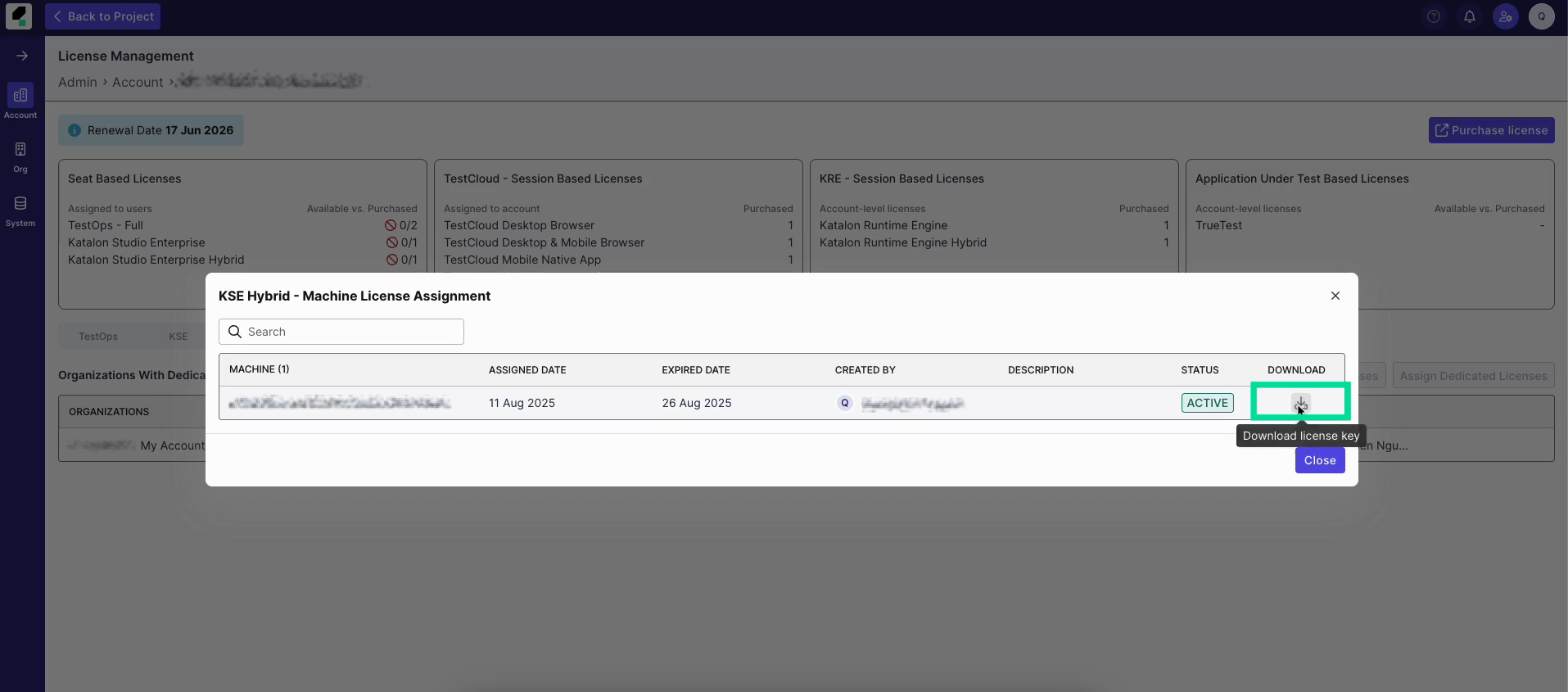
- Click the Assigned Machine icon and then click the Download icon to save the license file.
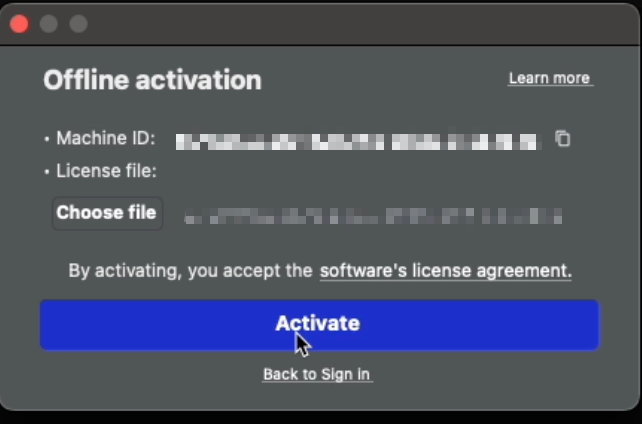
- Open Katalon Studio, click Choose file, select the downloaded license file, and click Activate.
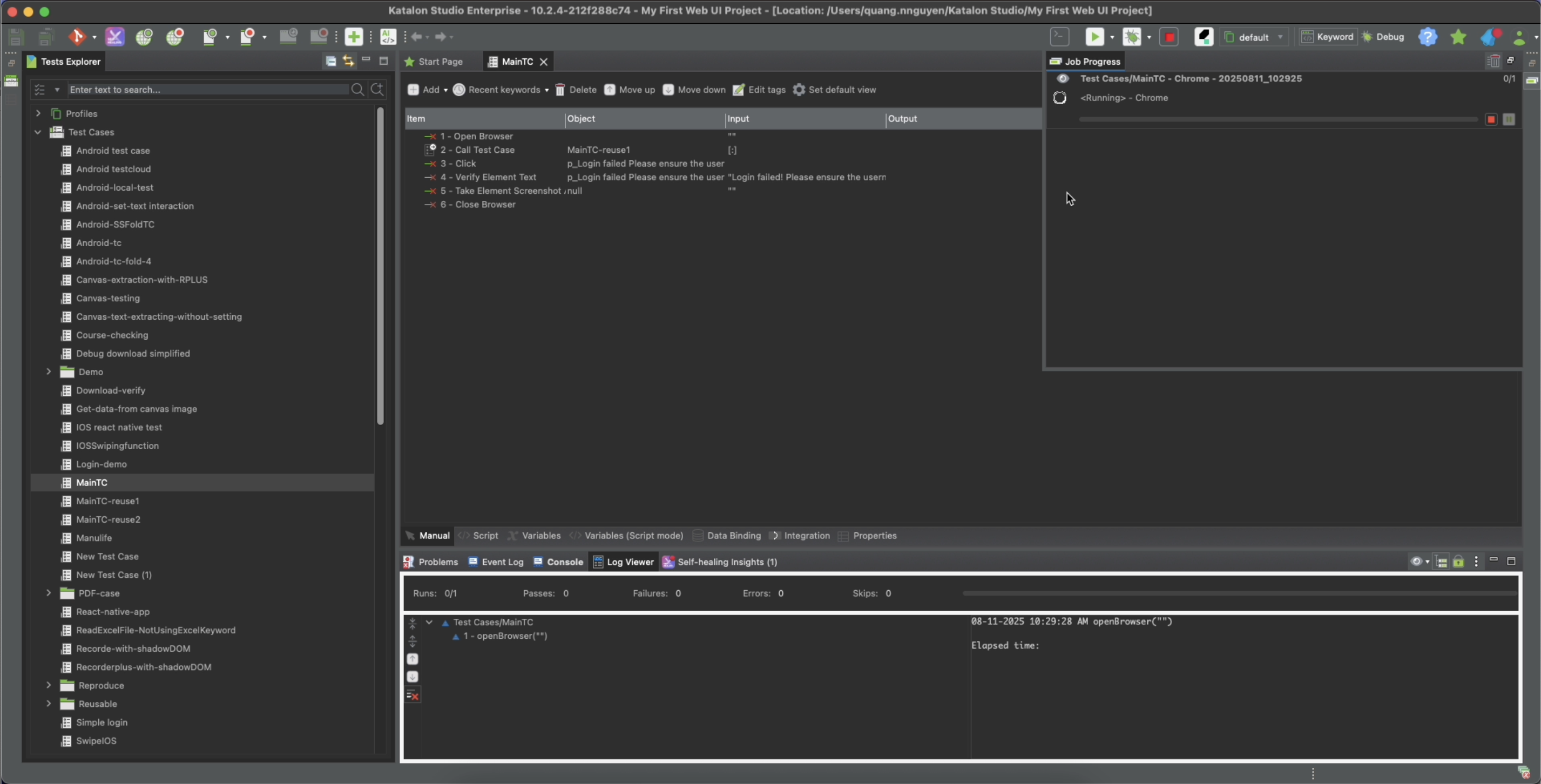
Result
You have registered a KS Offline License and re-activated Katalon Studio with it successfully. You can now continue your work like usual.
My KS Offline License expires, what's next?
Once expired, the state of the KS license goes back to being online and no longer binds to one account/machine. You can either:
- Use the license online as usual
- Create another KS Offline License from the online license