Pause and resume a test suite execution
Pause a running test suite to check the application under test or briefly free the test machine without losing execution progress.
Katalon Studio pauses between test cases: the current test case finishes, and the next waits until you resume execution.
- Katalon Studio version 11.6.0 or later.
- Enable New Execution Viewer is turned on in Project > Settings > Execution.
Pause a test suite execution
- Run a test suite. See Execute a test suite.
- In Job Progress, find the test suite job that is running.
- Click the pause icon (Pause execution).
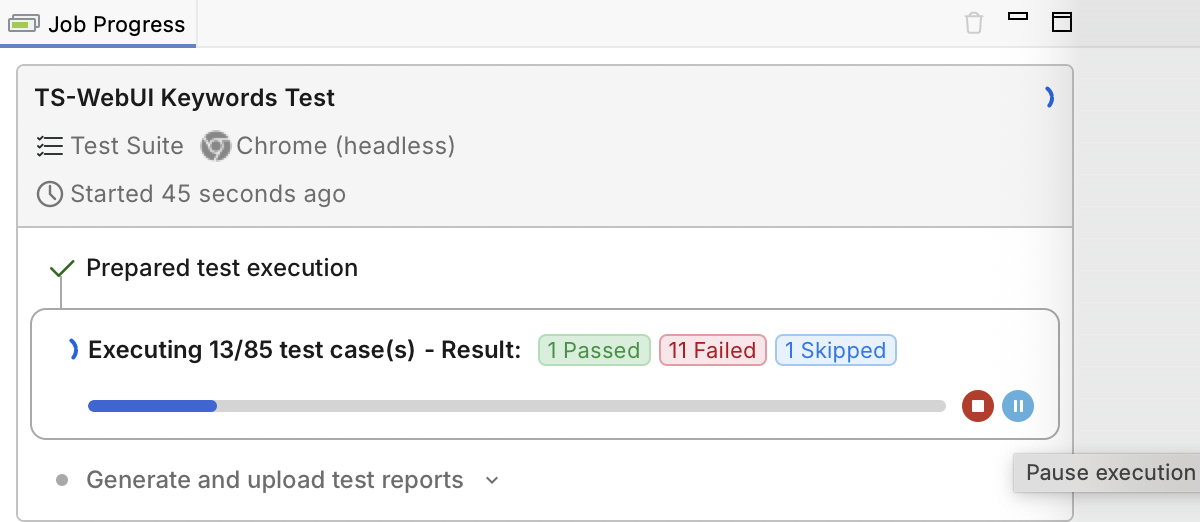
The job shows Pausing..., then Paused, with the completed test case count displayed alongside the status.
Pause is unavailable while Katalon Studio prepares the execution or after it ends.
Resume a test suite execution
- In Job Progress, find the paused test suite job.
- Click the resume icon (Resume execution), which replaces the pause icon.
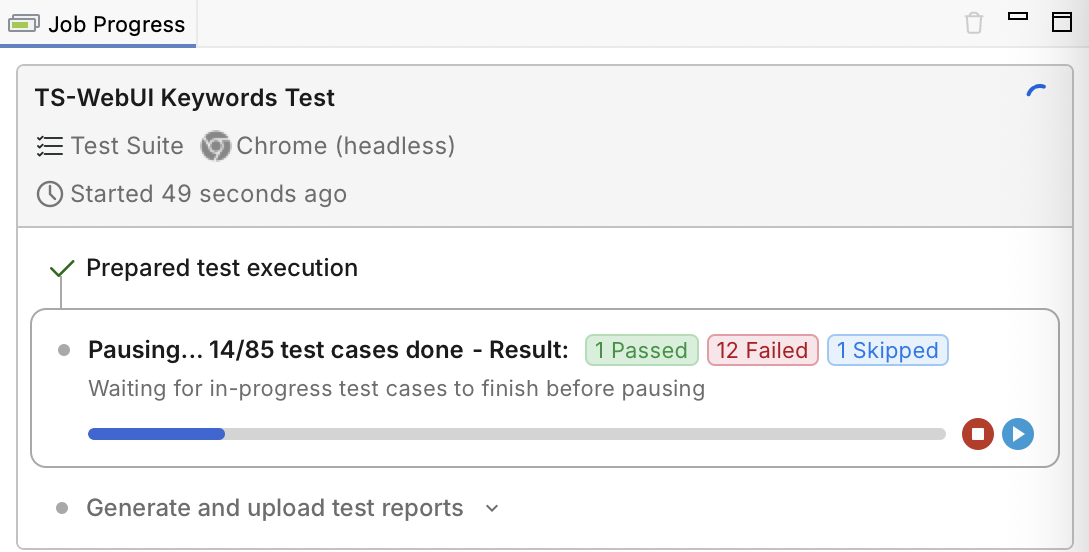
Execution continues from the next test case. You can pause and resume the same run as needed.
Stop a paused test suite execution
In Job Progress, click the stop icon (Stop execution) on the paused job. The remaining test cases will not run. If all completed test cases passed, the test suite result is Incomplete.
Pause a test suite that runs test cases in parallel
For parallel execution, all in-progress test cases finish before the suite pauses. New test cases and retry attempts wait until you resume execution.
To set parallel execution, see Run test cases in parallel in a test suite.
Paused time in the test suite report
For test suites paused at least once, the HTML and PDF reports include these fields alongside Start, End, and Duration.

- Paused time: The total time that the execution was paused.
- Execution time: The duration minus the paused time.
- Pauses: The number of times that you paused the execution.
- Duration: includes the paused time.
For more information about test suite reports, see View test suite and test suite collection reports in Katalon Studio.
Limitations
- Pause and resume are available only in Job Progress.
- You cannot pause a test suite collection, or a test suite that runs inside a test suite collection.
- You cannot pause a test suite that runs in Debug mode.
- Pause and Resume are not available in Katalon Runtime Engine (command line).