Last updated: September 2025
SikuliX automates anything you see on the screen of your desktop computer running Windows, Mac or some Linux/Unix. Integrating Katalon Studio with SikuliX can be useful in image-based testing, particularly in cases where direct access to a GUI's internal elements or the application/web page source code is challenging or inaccessible.
Import and run SikuliX tests
- Download the latest version of SikuliX.
- Import SikuliX to Katalon Studio from .
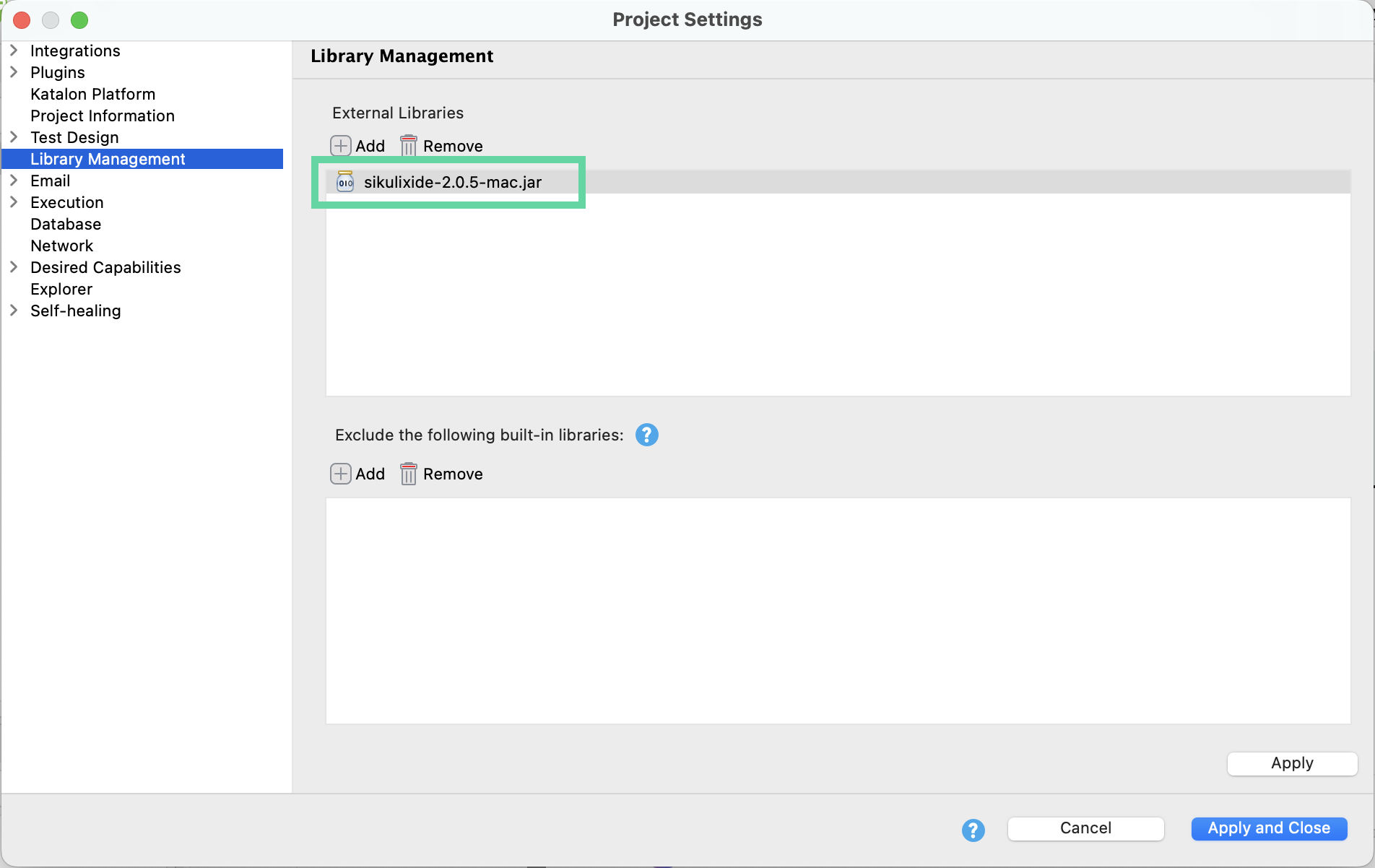
- Import SikuliX classes to your script.
import org.sikuli.script.Key
import org.sikuli.script.Screen
import org.sikuli.script.FindFailed
import org.sikuli.script.ImagePath
Using the
ImagePath method, you can tell SikuliX the location of your sample images, for example:
ImagePath.add(System.getProperty("user.dir") + "\Screenshots\Sikuli"); - Here are exemplary steps to find and click a specific UI element using sample .png images.
Screen s = new Screen()
s.find("Windows.png")
s.click("Windows.png")