Setting up Chrome Devtools MCP server for Katalon AI Assistant
This document demonstrates how to integrate Chrome DevTools MCP server with Katalon AI Assistant.
note
- Starting Katalon Studio version 11.0.0, you can use Katalon WebUI MCP tools to interact with your AUT. See Katalon WebUI MCP tools for more details.
Steps to set up and connect Chrome DevTools to Katalon AI Assistant
Host your Chrome DevTools MCP server
requirements
- MCP proxy installed. See Setup MCP proxy for STDIO MCP servers for more details.
In your terminal, run the MCP proxy server:
mcp-proxy --transport streamablehttp --port 8080 -- npx -y chrome-devtools-mcp@latest
(You may need to pick another port if 8080 is already in use.)
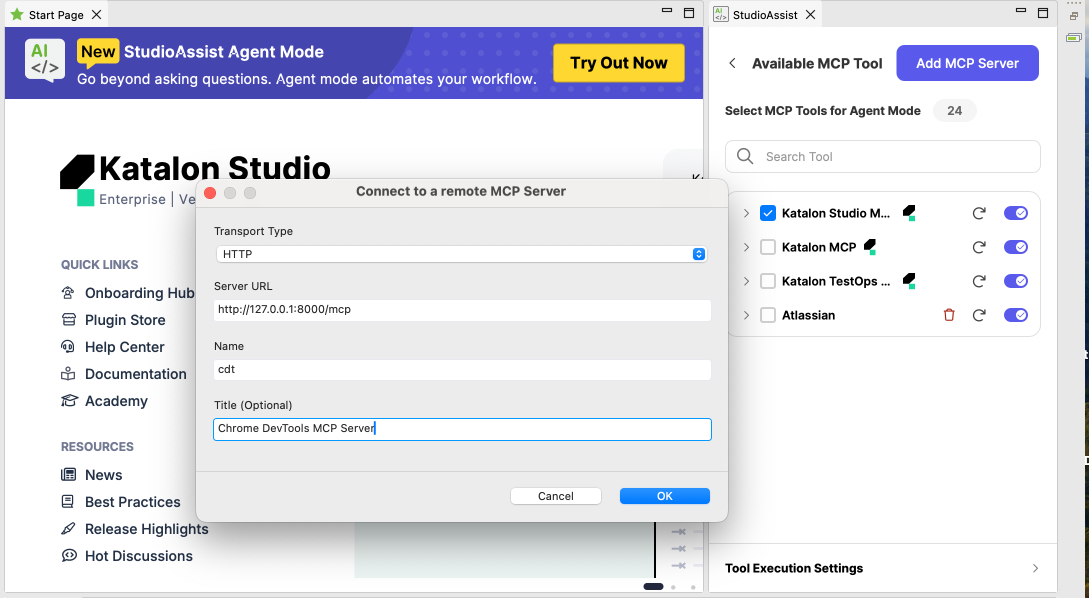
Use this URL http://127.0.0.1:8080/mcp to add to Katalon AI Assistant, transport type HTTP:
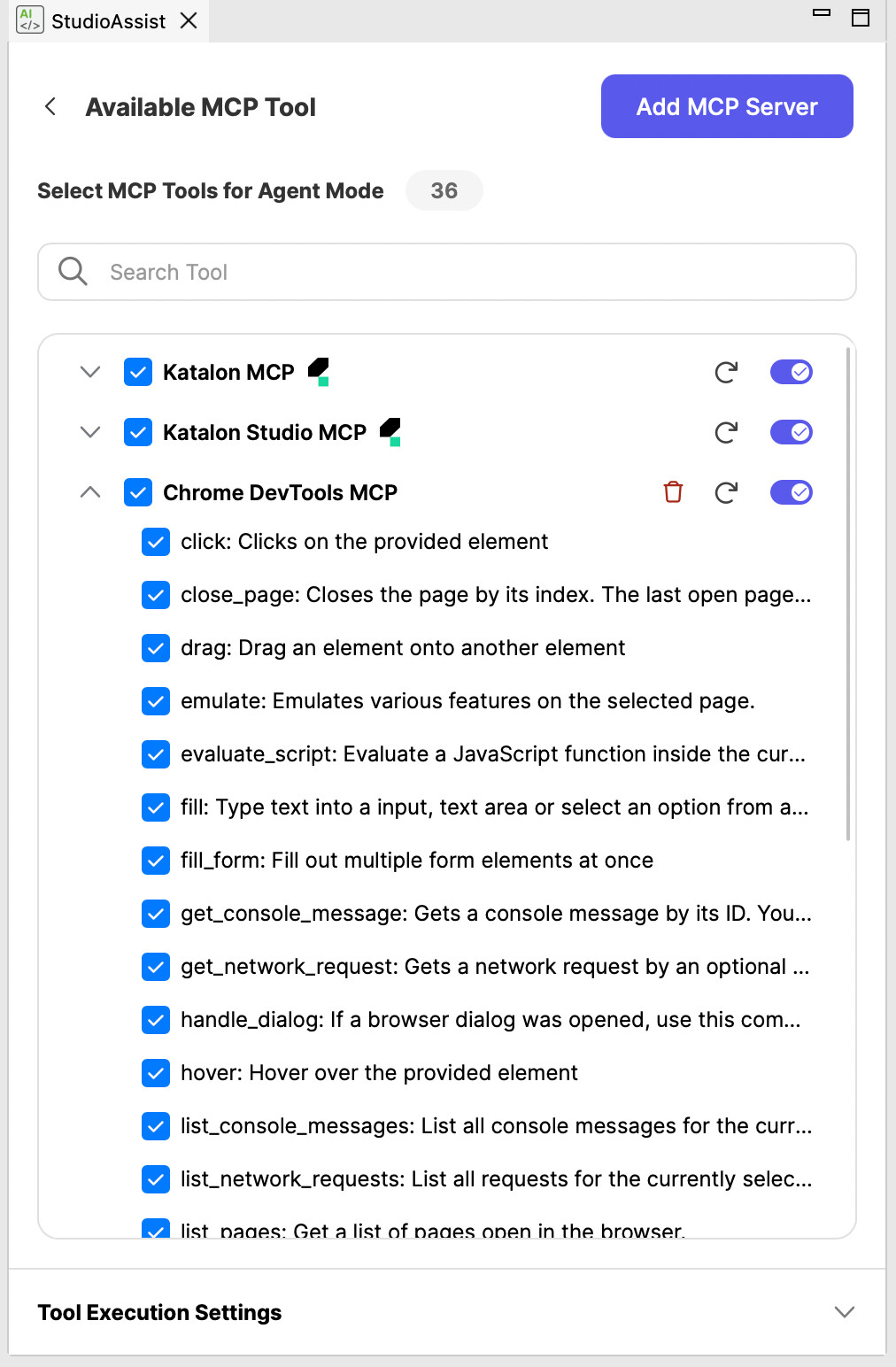
Once it's connected successfully, you can see the Chrome DevTools MCP tools:
You can then prompt Katalon AI Assistant to create a test case from scratch really quickly: