Test quality metrics
This document explains how test quality metrics are calculated. To learn how to re-configure calculations for these quality metrics, see Configure Smart Tags.
Slow
Slow tag appears on test cases with latest performance slower than most past runs. This helps detect regressions or environmental issues.
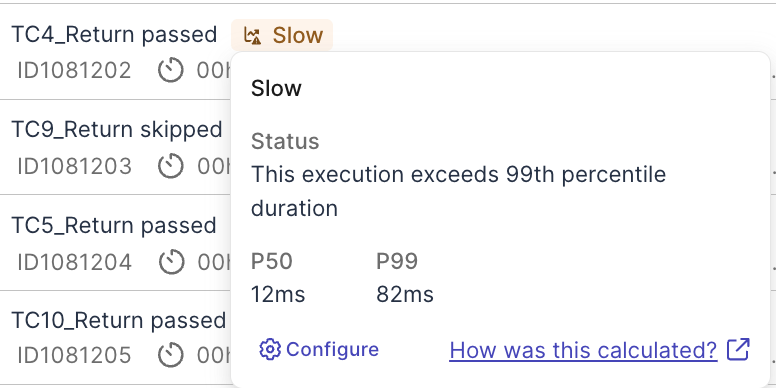
Test cases will be tagged Slow if the following conditions are met:
-
The test case ran at least a minimum number of time configured in Minimum Executions in the Time Window. Default Time Window is
30days, and default Minimum Executions is5. -
Most recent run has the run duration above the
99thor95thpercentile, compared to durations of all executions in the Time Window.
New failure
This tag appears on tests that just had a new failed result. This helps flag newly broken tests for immediate troubleshooting and root cause analysis.
Test cases will be tagged New Failure if the following conditions are met:
-
Tests that fail for the first time in the configured Time Window. Default Time Window is
30days. -
The test case ran at least a minimum number of time configured in Minimum Executions in the Time Window. Default Minimum Executions is
5.
Always fail
This tag appears on tests that repeatedly failed, within the configured Time Window. This helps detect persistent issues that require immediate attention.
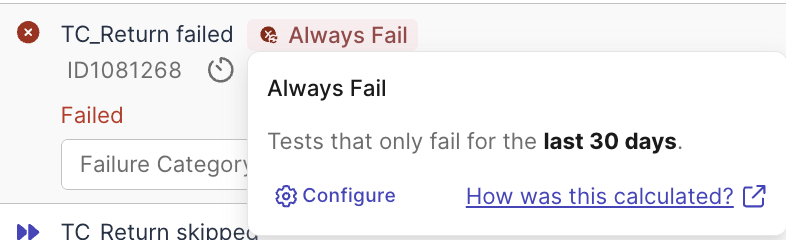
By default, the pre-configured Time Window is 30 days. You can set the value for this Time Window to fit the stages of your project.
Flaky
Flaky tag appears on tests with unreliable results.
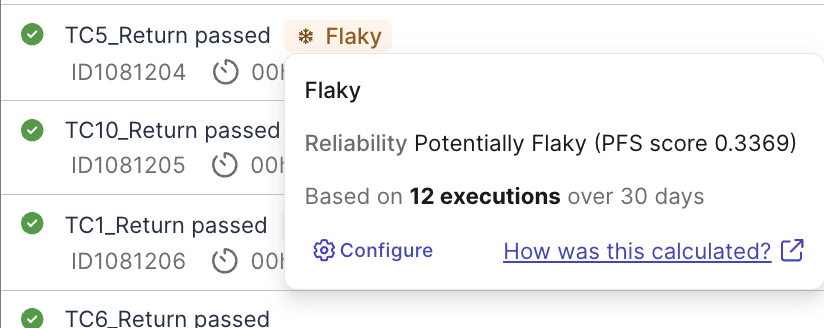
Katalon True Platform calculates Probabilistic Flakiness Score (PFS) based on test run data, and compares the consistency of test results (passed/failed) against this score to determine a test case as “stable”, “potentially flaky”, or “highly flaky”.